
GPT Image 1.5 Model: Features, Examples, and Why You Should Use It
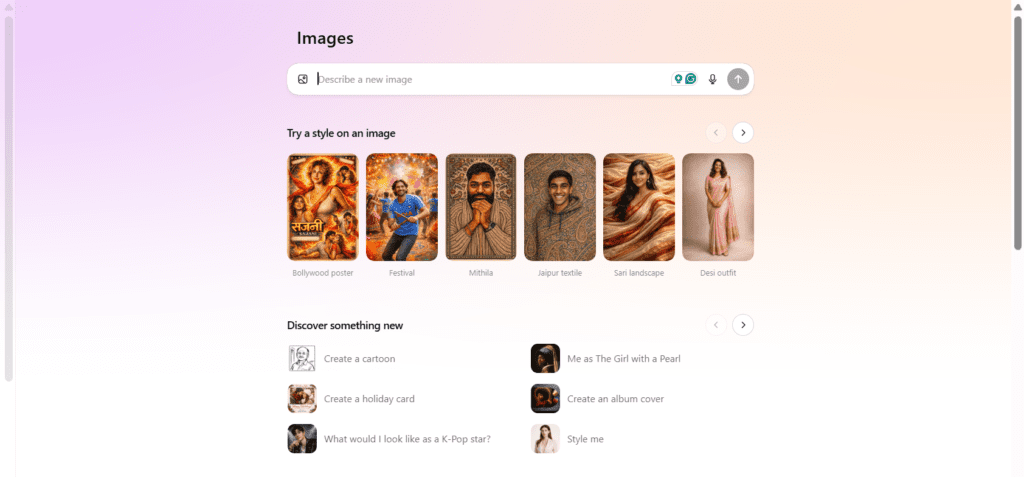
The GPT Image 1.5 model is the latest advancement in AI image generation, offering faster performance, improved image quality, and better prompt understanding. Designed for creators, marketers, developers, and businesses, this model makes it easier to generate and edit professional-quality images using simple text instructions.
What’s New in GPT Image 1.5?
GPT Image 1.5 brings major improvements in instruction accuracy and image consistency. Unlike earlier models, it understands detailed prompts more precisely and delivers images that closely match the requested style, layout, and mood.
Example prompt:
“Create a clean, modern home office with a laptop, indoor plants, and soft natural lighting.”

The output reflects the exact composition, lighting, and design style, making it ideal for blogs, ads, and landing pages.
Another Example : Create an Instagram-style image promoting an AI tool with bold typography, gradient background, and a futuristic tech theme.

Remove Background Image Style : Remove the background from this image and replace it with a light blue studio background while keeping the subject sharp.

Advanced Image Editing with Text Prompts
One of the most powerful features of GPT Image 1.5 is natural language image editing. Users can upload an image and request changes like:
“Remove the background and replace it with a white studio setup.”
This is especially useful for product images, social media creatives, and e-commerce listings, saving time and design costs.
Who Should Use GPT Image 1.5?
- Bloggers and content creators
- Digital marketers and advertisers
- Designers and agencies
- SaaS founders and e-commerce sellers
If you regularly create visuals, this model can significantly speed up your workflow.
Why GPT Image 1.5 Is Worth It
GPT Image 1.5 helps you create high-quality visuals faster, with fewer revisions and minimal effort. For anyone looking to scale content or improve visual branding, this tool delivers strong value.
👉 Try GPT Image 1.5 today and upgrade your image creation workflow.
FAQs About GPT Image 1.5
Is GPT Image 1.5 free to use?
It is available in ChatGPT with free and paid plans, with higher limits on premium tiers.
Can GPT Image 1.5 edit existing images?
Yes, it supports image editing using natural language instructions.
Is GPT Image 1.5 good for commercial use?
Yes, generated images can be used for marketing, blogs, and business projects (check platform terms).
Who benefits the most from GPT Image 1.5?
Content creators, marketers, and businesses that need fast, high-quality visuals.

PLEASE SHARE