

FlexClip Video Editor Review : Features, Pricing, and Real-World Use
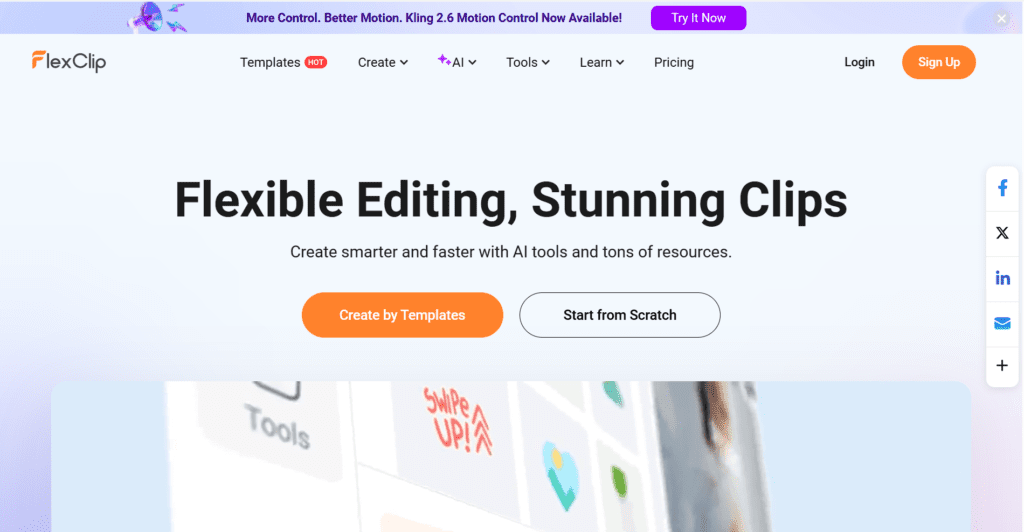
Creating videos has become essential for websites, social media, and online businesses. However, many video editing tools are either too complex for beginners or too limited to be useful. FlexClip is an online video editor designed to simplify the process while still offering enough features for practical use.
This article explains what FlexClip is, how it works, its main features, pricing, and who it is best suited for—based on real usage rather than promotion.
FlexClip offers a balanced set of features for users who want to create videos quickly without advanced editing skills. The rating reflects usability, available tools, and value for regular content creators.
What Is FlexClip?
FlexClip is a browser-based video editing platform. It allows users to create and edit videos directly online without installing any software. The tool is designed for people who want to produce videos quickly, such as bloggers, small business owners, educators, and content creators.
Because it runs entirely in a web browser, FlexClip works on most devices, including low-end systems that may not support traditional video editing software.
User Interface and Ease of Use
FlexClip’s interface is clean and easy to understand. The editor is divided into three main sections:
- A media and tools panel on the left
- A live video preview in the center
- A scene-based timeline at the bottom
Users can start with a ready-made template or create a video from scratch. Most actions—adding text, trimming clips, or changing visuals—are done using simple drag-and-drop controls.
This design makes FlexClip suitable for beginners, even those with no prior video editing experience.
Core Video Editing Features
FlexClip focuses on essential features rather than advanced technical controls.
Video Editing
Users can:
- Trim and split video clips
- Arrange scenes easily
- Adjust timing and transitions
- Combine video, images, and audio
The scene-based timeline keeps editing organized and easy to manage.
Text and Titles
FlexClip includes multiple text styles for:
- Titles
- Subtitles
- Captions
Fonts are readable, and text animations are subtle, making them suitable for professional and educational content.
Transitions and Effects
Transition options are limited but practical. This helps keep videos clean and avoids unnecessary visual distractions.
Media Library and Upload Options
FlexClip provides access to a built-in stock library that includes:
- Stock videos
- Images
- Backgrounds
- Music tracks
This reduces the need to purchase assets from third-party websites. Users can also upload their own media files, such as logos, images, voice recordings, and video clips.
AI-Assisted Tools
FlexClip includes a few optional AI-based tools that help speed up content creation.
AI Video
Users can paste text and automatically generate a basic video structure with scenes and visuals. This feature is useful for turning blog summaries or scripts into short videos.
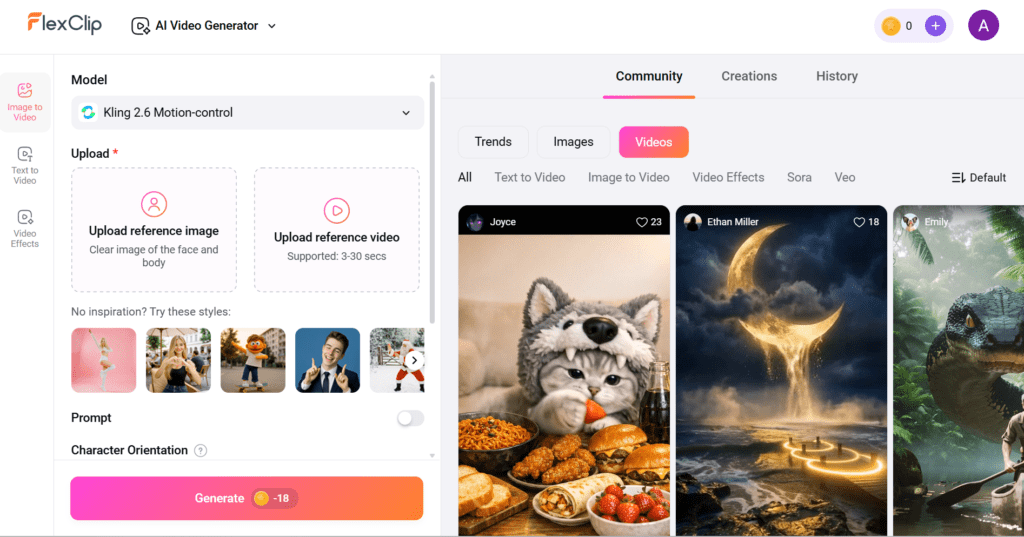
AI Image
There are different AI utilities offered by FlexClip AI like text to image, image background removal and many more.

Auto Subtitles
The automatic subtitle tool generates captions from spoken audio. The text can be edited manually for accuracy, which helps when creating videos for social media or accessibility.
AI Audio
FlexClip offers text-to-speech voices for simple narration. While useful for basic projects, recorded human voiceovers usually sound more natural for long videos.
Export Options and Video Quality
FlexClip allows users to export videos in different resolutions depending on the plan selected.
- The free plan includes limitations and a watermark
- Paid plans allow higher resolution exports and watermark removal
Rendering speed is stable, and videos can be downloaded or shared using a link.
Pricing Overview
FlexClip offers a free plan for testing and basic use. Paid plans are available on a monthly or yearly basis and unlock additional features such as higher export quality and longer video duration.
For users who edit videos regularly, the yearly plan generally provides better value.
| Monthly Plan | Annual Plan |
| ₹INR1729.11/mo (Plus plan) | ₹INR829.70/mo (Plus plan) |
| ₹INR2594.10/mo (Buisiness Plan) | ₹INR1,383.29/mo (Buisiness Plan) |
Who Should Use FlexClip?
FlexClip is well-suited for:
- Bloggers creating video summaries
- Affiliate website owners
- Small businesses making promotional videos
- Teachers and students creating presentations
- Social media creators producing short videos
It may not be suitable for professional editors who need advanced timelines, detailed audio mixing, or cinematic effects.
Conclusion
FlexClip is a practical online video editor designed for simplicity and speed. It does not attempt to replace professional video editing software but instead focuses on helping users create clean, usable videos with minimal effort.
For individuals and small teams who need straightforward video creation without a steep learning curve, FlexClip is a reliable option.