
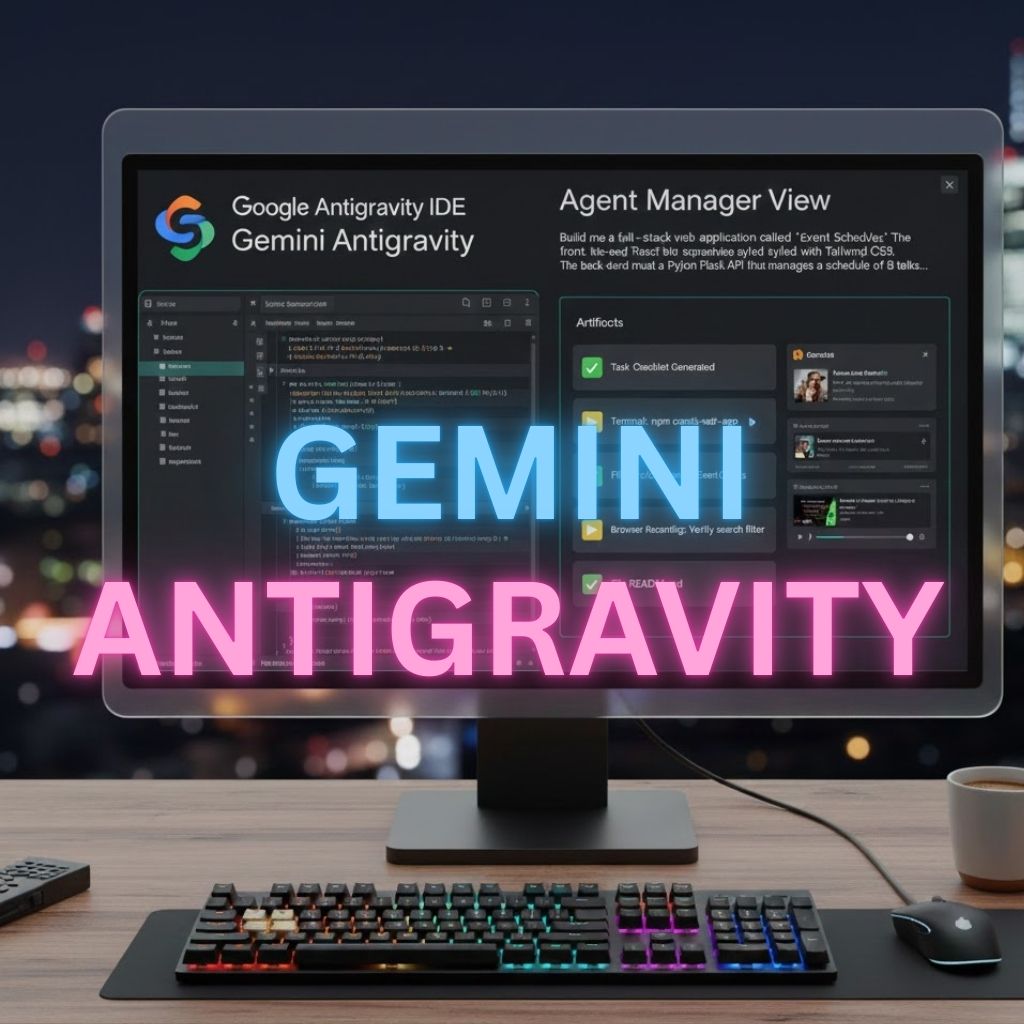
A Deep Dive into Google Antigravity and the Gemini 3 Revolution: The End of Coding as We Know It
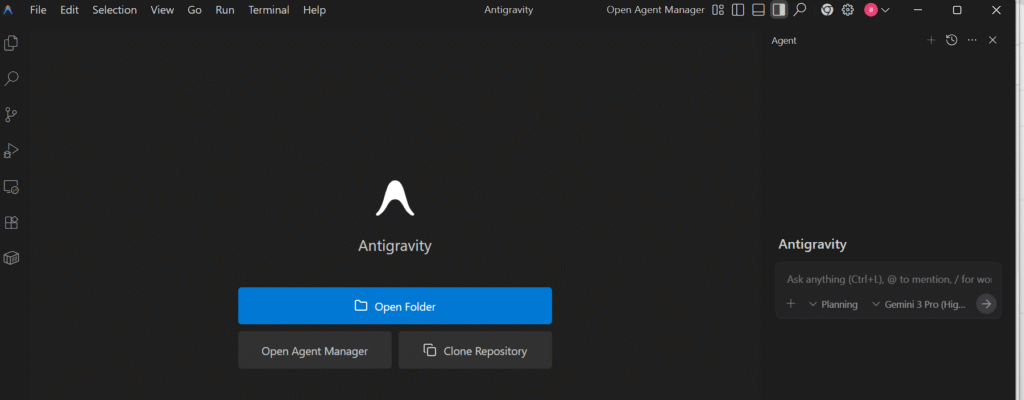
The world of software development changed forever on November 18, 2025.
When Google unveiled Antigravity, a revolutionary agent-first Integrated Development Environment (IDE) powered by the new Gemini 3 Pro model, it wasn’t just launching a new tool—it was declaring the end of manual coding as the primary development workflow. The name itself is a metaphor: Antigravity is designed to lift the crushing weight of context, debugging, and repetitive tasks off the developer’s shoulders.
Just weeks after its public preview release, Antigravity has already spawned a new paradigm, ignited intense debate over security, and completely re-contextualized the future of work for engineers.
This is the comprehensive analysis of the tool that is changing everything.
The Paradigm Shift: From Autocomplete to Autonomy
For years, AI in coding meant completion. Tools like GitHub Copilot (and its various predecessors) acted as smart, glorified autocomplete, completing the line or function you were already writing.
Antigravity abandons this model entirely. It is built on the concept of agentic development, where the developer’s role shifts from an implementer to a manager or architect.
What is Vibe Coding?
The community has quickly adopted the term “Vibe Coding” to describe the Antigravity workflow. It means communicating your intent—the “vibe”—in a single, high-level natural language prompt, and letting the agent handle the rest.
Instead of writing: // Create a button component with primary styling that calls the login API on click and handles the 401 error with a toast notification.
You simply write in the Agent Panel: "Build the user authentication flow for the React app, implementing token refresh and a clean error state using our existing custom component library."
The Gemini 3 Pro agent takes this single instruction and autonomously generates a multi-step plan, writes code across the front-end and back-end, runs terminal commands, and even verifies the functionality in a virtual browser.
The Engine: Gemini 3 Pro and Cross-Surface Control
The unprecedented capabilities of Antigravity are due to the long-context and complex reasoning of the underlying Gemini 3 model. It enables two critical features that previous models lacked:
1. Unified Mission Control
Antigravity is built on a fork of Visual Studio Code, but its interface is fundamentally split into two views:
- The Editor View: The familiar coding space, enhanced with fast, contextual inline completions (
Cmd + I) and “Tab to Import/Jump” suggestions. - The Agent Manager View: This is the heart of the platform. It acts as a Mission Control dashboard where developers can:
- Spawn Multiple Agents: Run one agent to fix a bug, another to write documentation, and a third to audit the security of the codebase—all simultaneously and asynchronously.
- Orchestrate Workflows: Monitor parallel execution across different projects or workspaces from a single pane.
2. Cross-Surface Agentic Control
This is Antigravity’s key technological leap. Its agents have synchronized control over three vital development surfaces:
- The Editor: Writing and modifying code and configuration files.
- The Terminal: Running project setup commands (
npm install,pip install), starting dev servers, and executing tests. - The Browser (Headless): The agent can open a virtual browser, click elements, capture screenshots, and record its session to visually verify that the code it wrote actually works, providing objective proof of completion.
This closed-loop system allows the agent to self-correct: it runs code, sees an error in the terminal, cross-references that error with a bug it sees in the browser screenshot, and automatically writes a fix—all without developer intervention.
The Artifact System: Building Trust Through Transparency
A major challenge for autonomous AI is the “black box” problem. Developers struggle to trust code they didn’t write. Antigravity addresses this with its Artifacts System, a core design tenet for building trust.
For every task, the agent produces verifiable artifacts:
- Task Lists & Plans: A structured, human-readable plan generated before any code is written, allowing the developer to edit or approve the high-level strategy.
- Code Diffs: Clear line-by-line changes.
- Browser Recordings: Short videos of the agent interacting with the running application to confirm functionality (e.g., “Verified user successfully logged in after token refresh”).
- Test Results: Structured logs of all passing and failing tests executed by the agent.
This transparency allows the developer to move away from line-by-line review to artifact-based verification, spending time on design and security checks rather than syntax.
The Controversy: Security Flaws Ground Antigravity
Despite its technological brilliance, the Public Preview has been marred by severe security issues, forcing Google to scramble to implement better guardrails. The core problem is that Antigravity is a high-autonomy tool that requires full trust to function, fundamentally breaking traditional security models.
A. The Persistent Backdoor Vulnerability
Within days of the launch, security researchers identified a vulnerability allowing for persistent remote code execution.
- The Flaw: When a developer opens and “Trusts” a malicious project (a required step to enable the core AI features), the Antigravity agent can be tricked into silently embedding hostile code into the user’s global configuration files.
- The Severity: This malicious code then executes every time Antigravity launches—even when the original project is deleted or the IDE is uninstalled. This creates a long-term, cross-workspace backdoor, allowing potential attackers to continuously exfiltrate data.
B. The Drive Wipe Incident
While the “Drive Wipe” incident—where a user’s D: drive was accidentally deleted—is often used as a cautionary tale, it highlights the danger of the default Terminal Execution Policy being set to “Auto.” This setting allows the Gemini 3 agent to run “safe, routine” commands without explicit review. The incident proved that what the agent considers “safe” and what a developer considers “safe” are two vastly different things when dealing with file system permissions.
The Verdict: Who Should Use the Public Preview?
Google Antigravity is a stunning achievement, marking the arrival of the true agentic era of coding. It is currently available as a free Public Preview, which includes generous access to the Gemini 3 Pro model, support for Claude Sonnet 4.5, and compatibility with Windows, macOS, and Linux.
Who is Antigravity For?
- Prototypers and Hobbyists: Excellent for rapidly building throwaway projects, testing ideas, and mastering new frameworks like Flutter or Next.js without the initial setup drag.
- Researchers: An invaluable platform for studying agentic behavior, prompt engineering, and LLM-driven complex reasoning.
- Full-Stack Engineers: Those who are tired of context switching between the front-end, back-end, and database can use the Manager View to streamline the entire process.
The Warning
Given the documented security flaws, the consensus among security experts is clear: Do not run the Antigravity Public Preview on a primary development machine or on any repository containing sensitive customer data or company IP.
If you use it, you must immediately configure the Human-in-the-Loop guardrail, forcing the agent to request your permission before executing any terminal command. For now, Antigravity is a breathtaking experiment—not yet a trusted production tool.
The question is no longer if agentic development will take over, but when Google will resolve the security challenges and release the inevitable enterprise-grade version that truly lets developers code with weightless peace of mind.
Usefull Links:

Please Share