AI has quietly become part of everyday browsing. Instead of switching between five different tabs and apps, a growing number of Chrome extensions now let you summarize, write, research, and automate tasks right inside your browser. Here are 10 of the most useful AI Chrome extensions worth trying this year.
1. Perplexity AI
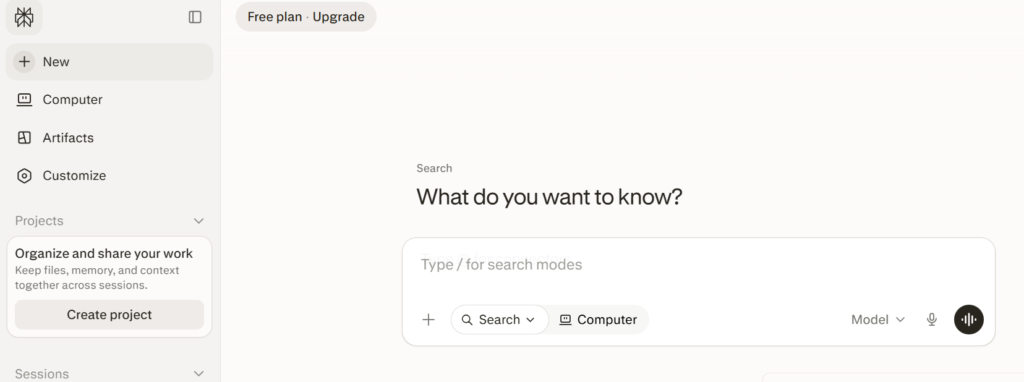
Perplexity brings its fast, source-cited AI search directly into Chrome. Instead of scrolling through ten blue links, you get a direct answer with references you can actually check. Great for research, fact-checking, and quick lookups while browsing.
2. Monica AI
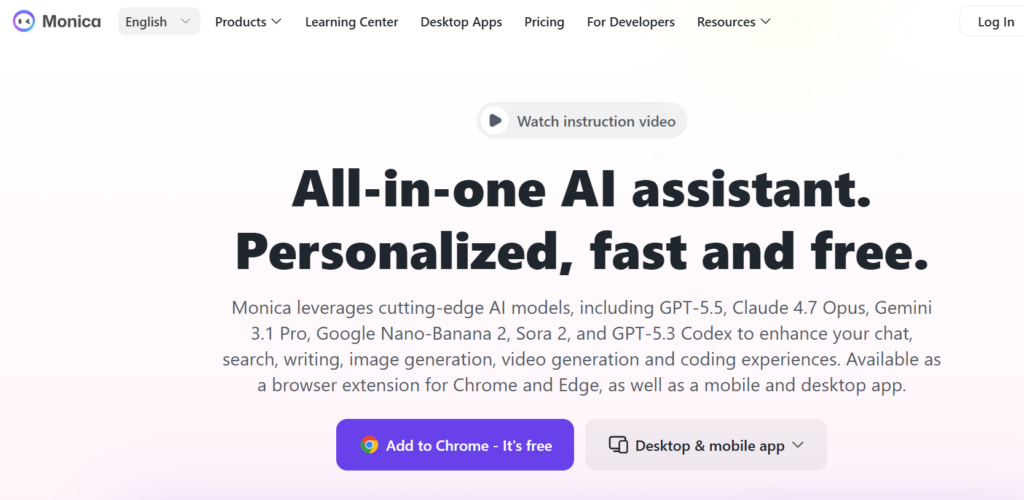
Monica is an all-in-one assistant that combines chat, writing help, translation, and image tools in a single sidebar. It supports multiple AI models, making it a flexible choice if you don’t want to commit to just one AI provider.
3. Merlin AI
Merlin lets you interact with AI on any webpage — summarizing articles, chatting with YouTube videos, or drafting replies in Gmail. It’s popular for its broad web-page context awareness.
4. Sider
Sider has grown from a simple chat sidebar into a more agentic assistant. It can research across multiple sites, compare information, fill forms, and even help manage your inbox, going beyond basic summarization.
5. QuillBot for Chrome
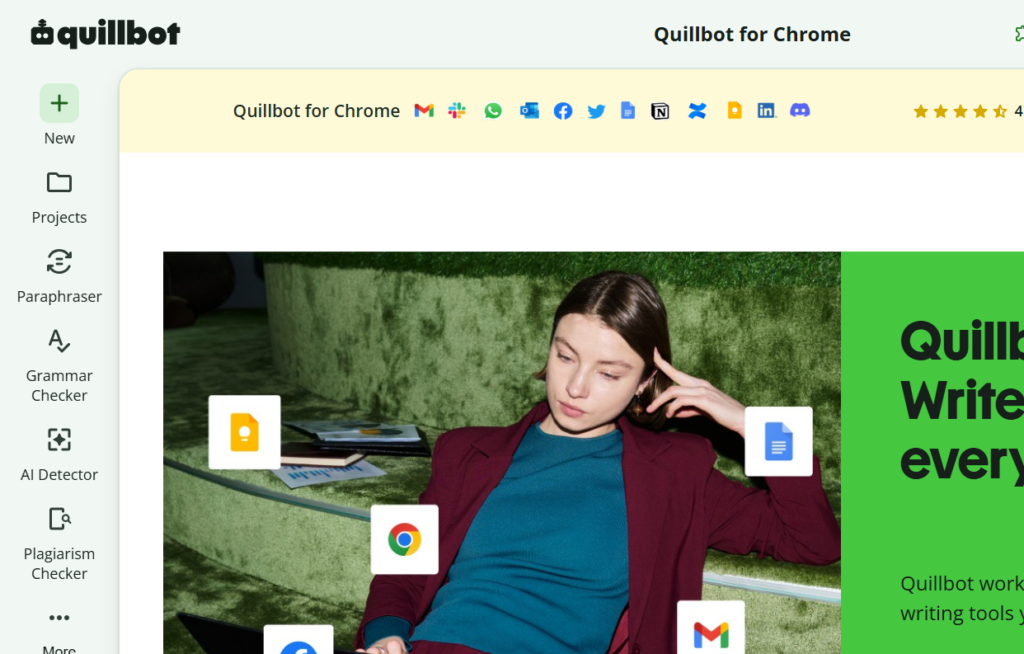
A favorite among writers and students, QuillBot offers in-line grammar correction, paraphrasing, and tone adjustment directly inside text fields — no need to copy-paste into a separate tool.
6. Compose AI
Compose AI focuses on speeding up everyday writing with autocomplete-style suggestions and quick text generation, especially useful for emails and repetitive messages.
7. AI Blaze
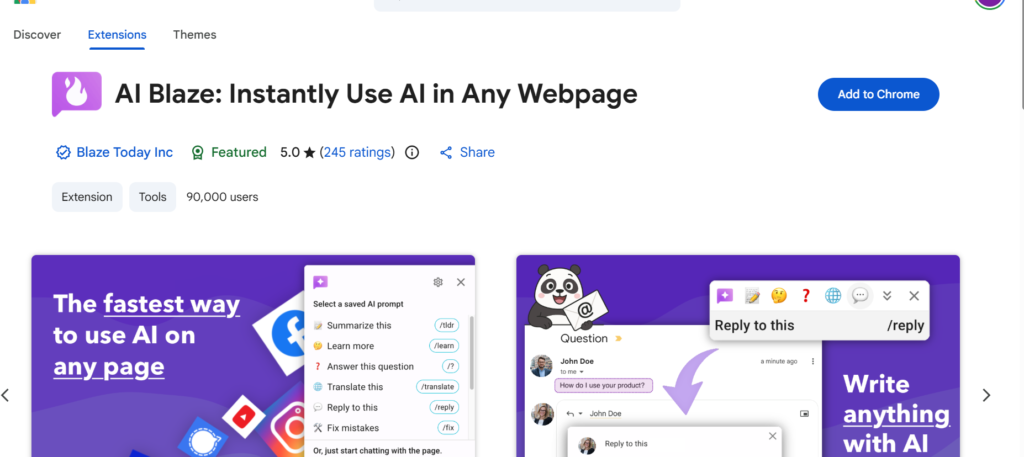
AI Blaze is built around text snippets and templates, letting you trigger AI-generated responses or pre-written blocks of text with simple shortcuts — a real time-saver for support teams and busy professionals.
8. ChatGPT for Chrome
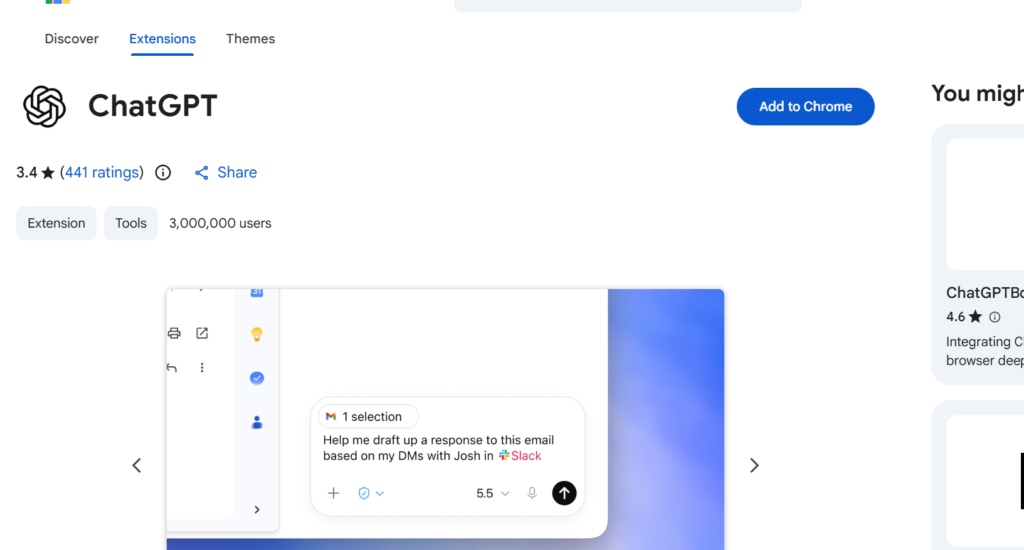
The official-style ChatGPT extension brings quick access to chat-based AI without opening a new tab, useful for quick questions, drafting, or brainstorming while you browse.
https://chromewebstore.google.com
9. Grammarly AI
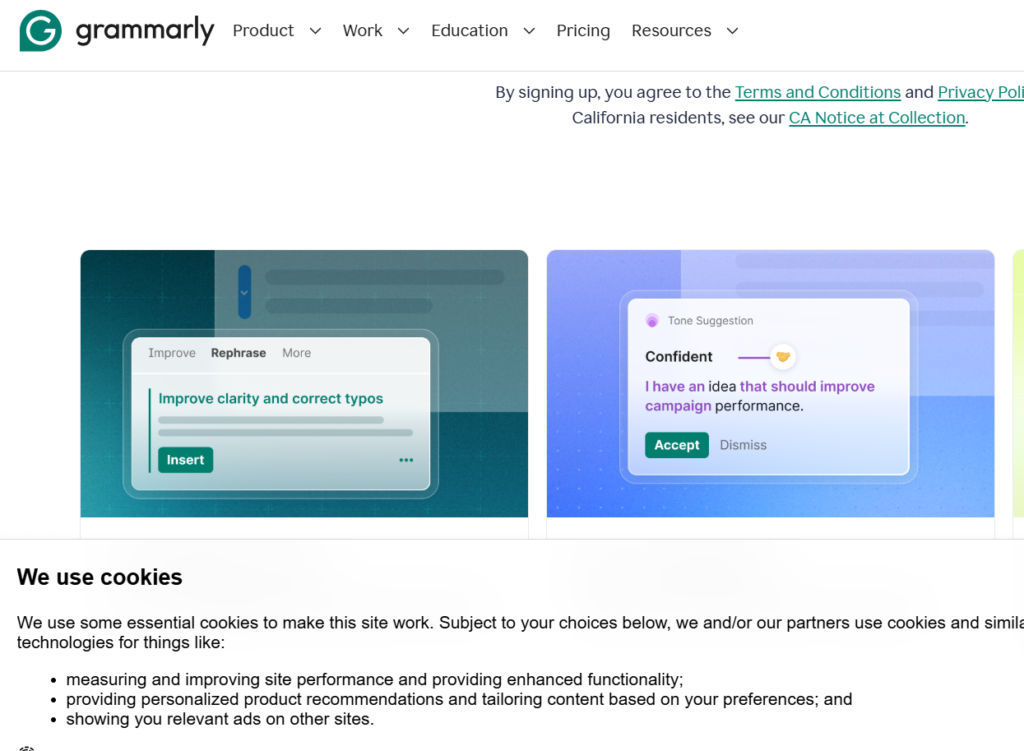
Grammarly has expanded well beyond basic spell-check, now offering AI-powered tone detection, rewriting suggestions, and clarity improvements across nearly every text box on the web.
10. Gemini in Chrome
Google has started bundling Gemini directly into the browser experience, giving users native AI assistance without installing a separate extension — worth trying if you’re already in the Google ecosystem.
https://gemini.google/overview/gemini-in-chrome
A Quick Note Before You Install
AI browser extensions often request broad permissions to read and modify webpage content. Before installing any extension:
- Check the publisher’s reputation and reviews
- Review requested permissions carefully
- Avoid granting access to sensitive accounts unless necessary
- Uninstall extensions you’re not actively using
Final Thoughts
The best AI Chrome extension isn’t necessarily the most popular one — it’s the one that removes a specific bottleneck from your actual workflow, whether that’s writing, research, or repetitive tasks. Try one or two from this list rather than installing all ten at once, and keep what actually saves you time.